
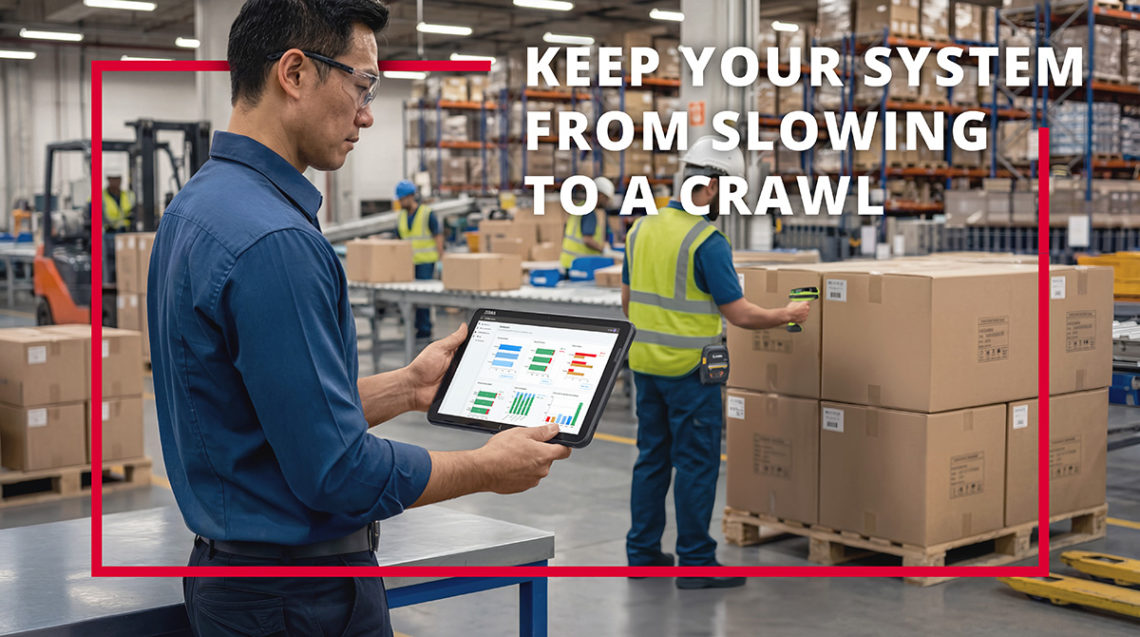
The biggest culprits in slowing down mobile warehouse operations are often the issues you can’t immediately see. They’re hidden problems with the mobile technologies, networks, and systems you depend on to get work done.
In this article, we’ll take a look at four common mobile failures that plague many companies and how you can address them, so you can get on the right path and make sure your mobile ecosystem is working for you and not against you.
1. Legacy Mobile Operating Systems and Their Consequences
Using outdated and legacy mobile operating systems is one of the biggest mobile failures for many companies, and it’s not as simple as running on an old version or an old system that just needs to be upgraded.
Yes, running older mobile OS solutions such as Windows CE or Windows means that your workers are probably dealing with outdated “green screen” Telnet applications that aren’t very responsive and require more steps, screens, and function keys to get everything done. Normally, it’s far better to migrate and upgrade your apps to touch-enabled and modern systems such as Zebra’s Android for enterprise with All-Touch Terminal Emulation.
But this isn’t the only issue. Devices and apps using Windows CE or Windows Mobile are typically unable to fully leverage additional efficiency and productivity tools such as push-to-talk, SMS text, and other real-time communication. So, teams often can’t communicate as effectively as they could—all while every task takes longer to complete because your apps are slow and clunky.
However, the biggest hidden issues often come from the fact that today’s need for access to external networks and information, cloud connectivity, and cloud apps or services has changed everything.
In years past, you might have operated on a closed network or no network at all, where access to all business systems, information, and connectivity was internal to your company network or even the device. Devices and apps were often updated by copying files over to each device, rebooting it, and getting on with work.
But now, to enable faster, more efficient mobile workflows and take advantage of the latest OS solutions, updates, mobile apps, and mobile device management tools, you need to be connected to a network and the cloud.
So, if you want to optimize your mobile efficiency and performance, then you can’t run outdated operating systems, devices, or closed systems anymore. Here’s what you need to do:
- Make sure you’re running a current, modern, supported mobile OS
- Make sure your mobile devices support the latest OSes and modern capabilities
- Convert your legacy Telnet apps to touchscreen mobile apps
- Make sure your devices are connected securely to your internal network
- Ensure your devices are also connected securely to the cloud/external networks
2. Your Slowest Mobile Devices Slowing All Others Down
Another big issue with mobility is that your fastest and newest devices are only as good as your slowest and oldest devices in your operations.
If your devices are connected to a wireless network, it typically has to slow itself down to accommodate the slowest and oldest devices you’re using. So, even if you’ve invested in newer and better mobile devices, they can’t perform at the full speeds they’re capable of, and you’re not getting the full benefits.
This is where managed services arrangements with a mobile solutions provider are an ideal solution. Through managed services contracts, you procure the latest modern, supported mobile devices at a manageable regular cost instead of large capital outlays. And you can have your managed IT services provider configure and maintain your wireless network, too, so you have an entire fleet of next-generation devices connected to a network that’s always configured for maximum performance.
For example, at IntegraServ, we work with many companies to supply all of their mobile devices, configure them optimally, run a current and supported OS, and keep their devices updated, patched, and performing at their best speeds and capabilities. We also keep their network configuration optimized, so it’s never slowing things down and it’s always providing the most throughput and the best speeds possible.
All of this is available through a single contract with a defined monthly price or other arrangement, so your costs are predictable, manageable, and you don’t have to make big capital outlays. If you’re struggling with device and network performance in your mobile operations, then you definitely need to be thinking about this option.
3. Catastrophic Security Risks
This one isn’t so much about daily slowdowns. It’s about big, catastrophic shutdowns of your entire operations.
Many companies are still running Windows CE or Windows Mobile, and it’s no longer patched and updated for security. Microsoft started phasing out and winding down support for these solutions years ago, so it’s no longer safe to be using them. Yet companies do, and it creates huge risks.
Just consider a case that our team had to clean up after a company was targeted in a cyberattack. The business’ mobile operations were down for three months because it hadn’t taken the right steps to upgrade and migrate to a newer, secured, and supported OS.
Fortunately, we were able to come in at that point and get the company out of this horrible circumstance, which took considerable effort. So, don’t put yourself in this position. Make sure you’ve got external experts to help ensure your devices and operations are protected, and that you’re running modern mobile devices and current operating systems that are continuously supported and updated against the latest threats.
4. No Failover Protection for Your Network Connection
Sometimes, due to weather or an accident such as a truck hitting a telephone pole, your internal wireless network can lose its landline connection from your Internet provider. This can leave you with no way to connect to outside networks, services, and apps.
To protect against this, you can give your network a failover option in the event that it loses its landline connection.
For example, our network managers at IntegraServ install SIM cards in the wireless network access points for our network services customers. If their landline connection fails for any reason, their access points switch over to a 5G cellular connection as backup. This allows your business and mobile operations to keep running, even if your external Internet access goes down.
Get More Tips to Avoid Mobile Slowdowns and Boost Efficiency
To learn more about these and other mobile issues and how to prevent them through managed services and upgraded mobile devices, OS, and network configuration, contact our experts at IntegraServ.
As leading providers of mobile and network solutions for over 30 years, we’re always happy to provide assessments, recommendations, and answer questions. And we offer our own solutions and services to help you build better mobile workflows for your business.
To get started, contact us now via email, visit us at IntegraServ.com, or call us at 800-233-1474.
You must be logged in to post a comment.